• Conducted UX evaluation to identify usability gaps and inconsistencies.
• Designed updated UI flows, layouts, and interaction patterns.
• Developed reusable components aligned with the design system.
• Created prototypes for review and validation with FE and product leadership.
• Performed design QA with front-end engineers and QA team.
• Ensured consistency across Inbox, Contacts, Knowledge Base, and Integrations.
• Collaborated closely with engineering (FE & mobile), QA, and product stakeholders.
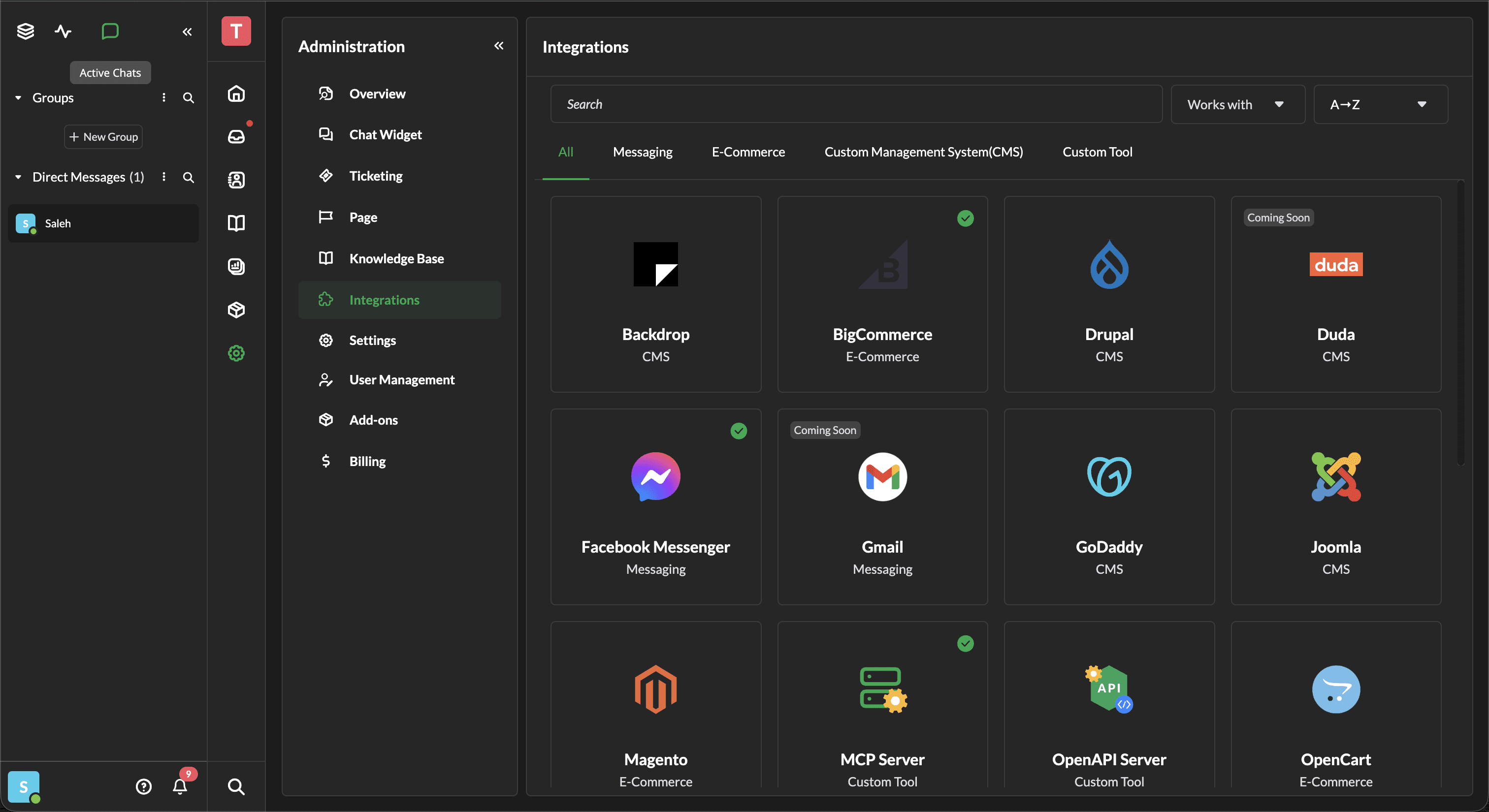
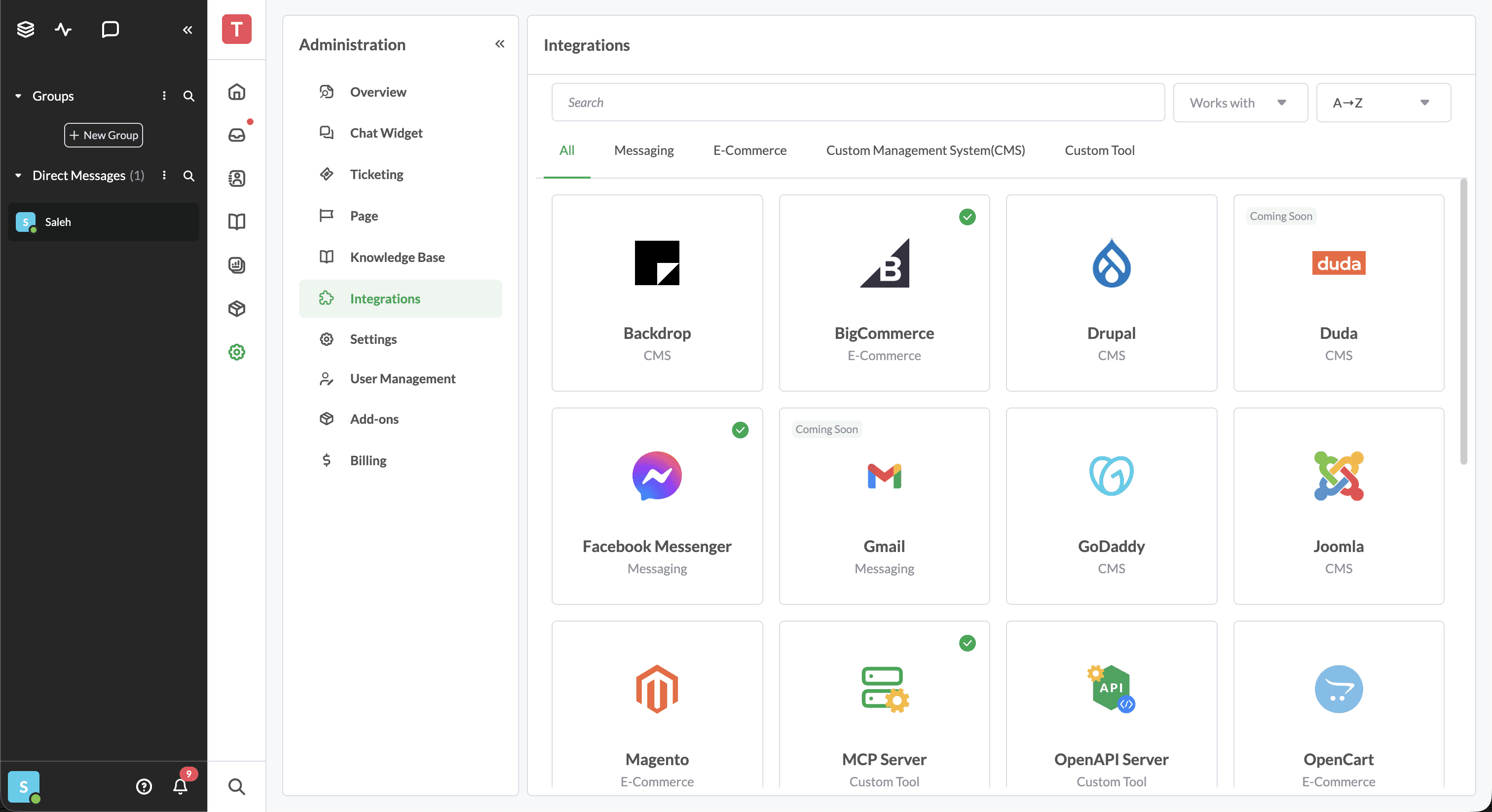
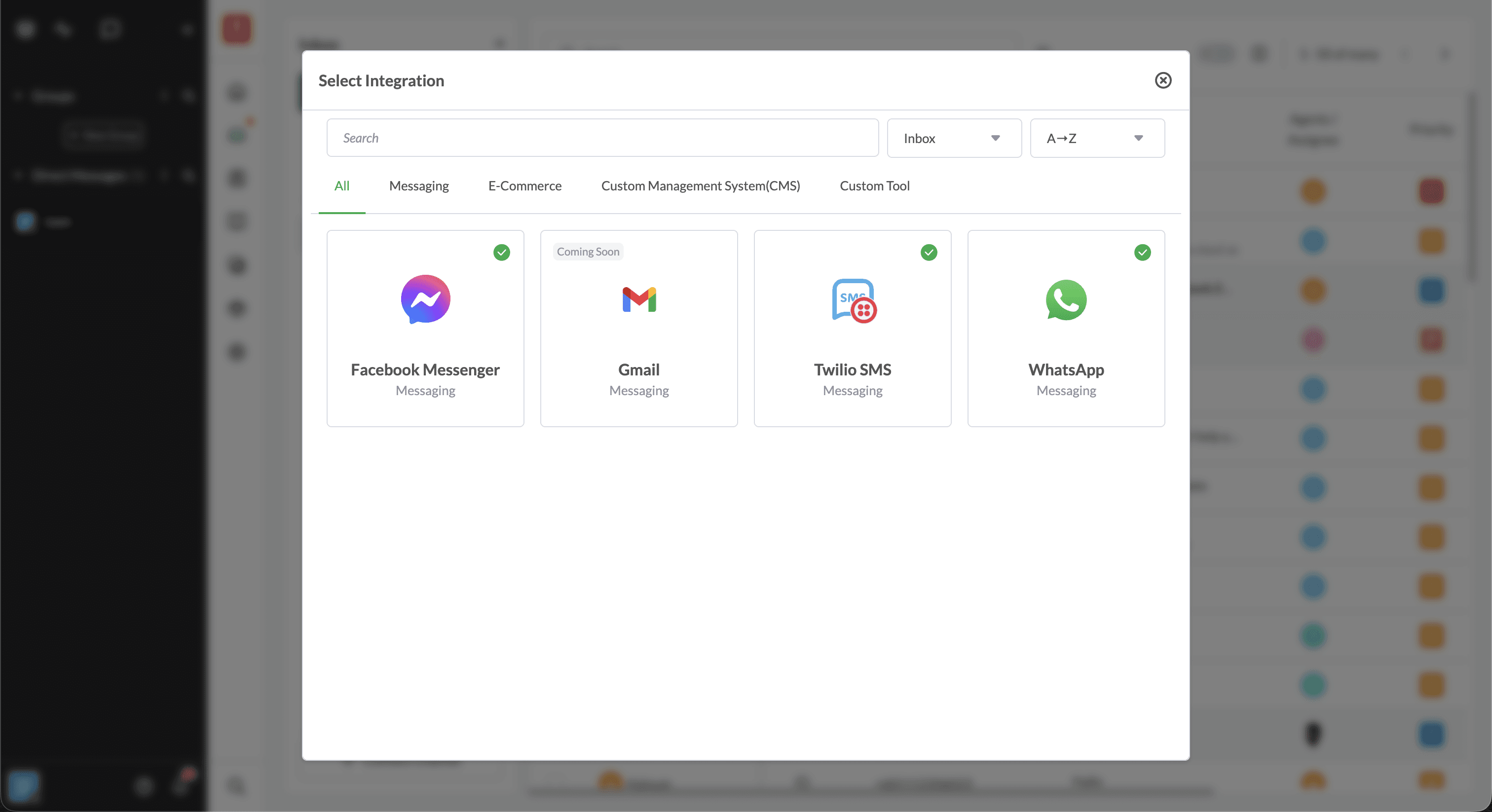
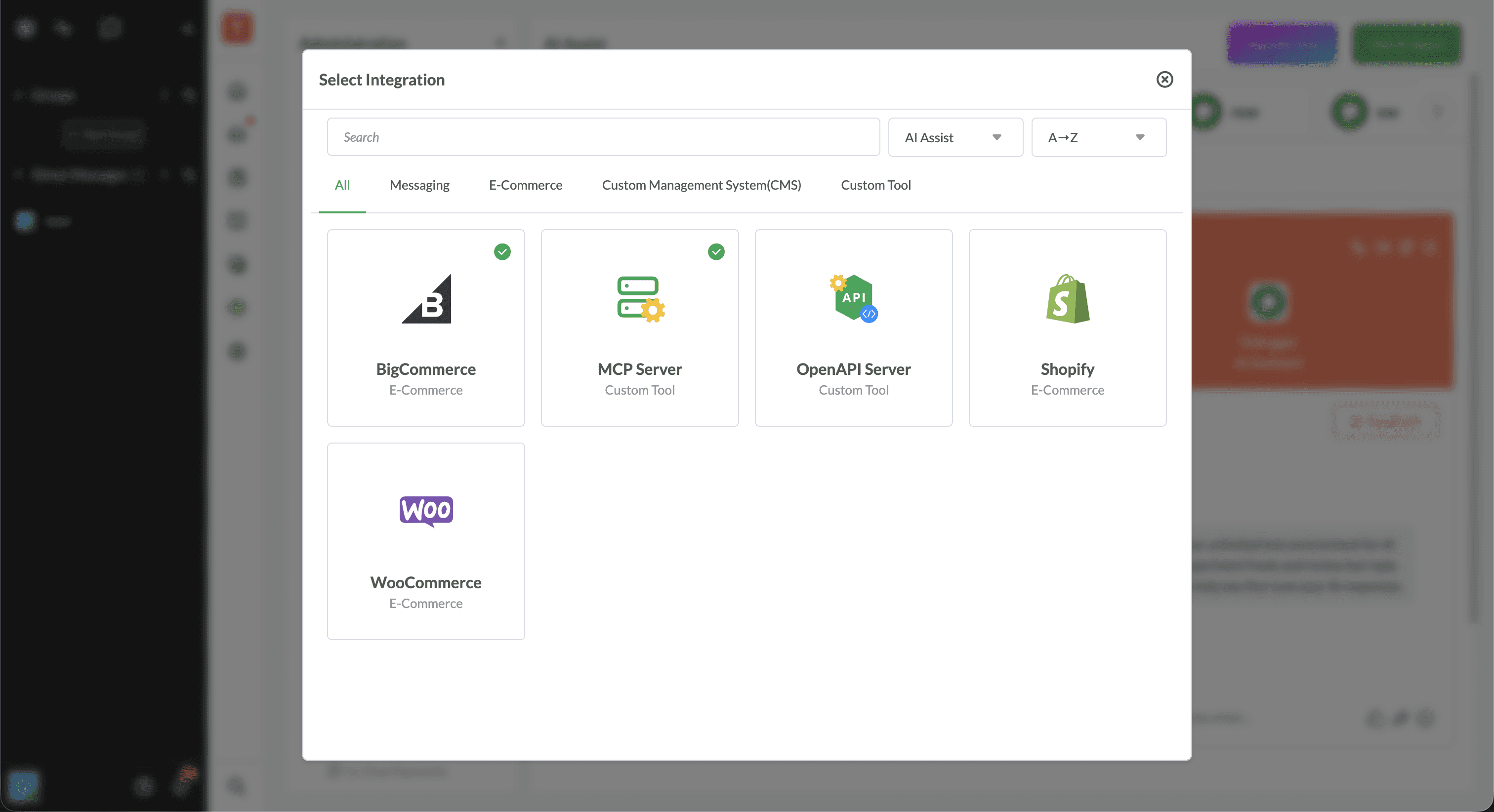
• Make integrations easy to discover, search, and understand
• Improve navigation and categorization to reduce user effort
• Maintain consistency with Tawk.to’s core design system
• Support scalability as more integrations are added
• Create cleaner information hierarchy for quick scanning
• Enhance cross-product workflow alignment (Inbox, Contacts, KB, Mobile)
Understanding the Problem Identified inconsistencies, confusing layouts, and navigation issues by reviewing the existing UI, user feedback, and internal QA reports.
Information Architecture Review Simplified categorization, improved grouping logic, and clarified integration metadata.
Wireframes & Exploration Explored layout variations, search/filter behavior, card structure, and responsive considerations.
UI Design & Component System Designed unified card components, consistent hover states, scalable layouts, and improved visual hierarchy.
Prototyping & Validation Built interactive prototypes to validate flows with product leadership and engineering.
Design QA & Refinement Reviewed builds, corrected inconsistencies, and refined interactions based on FE feedback.
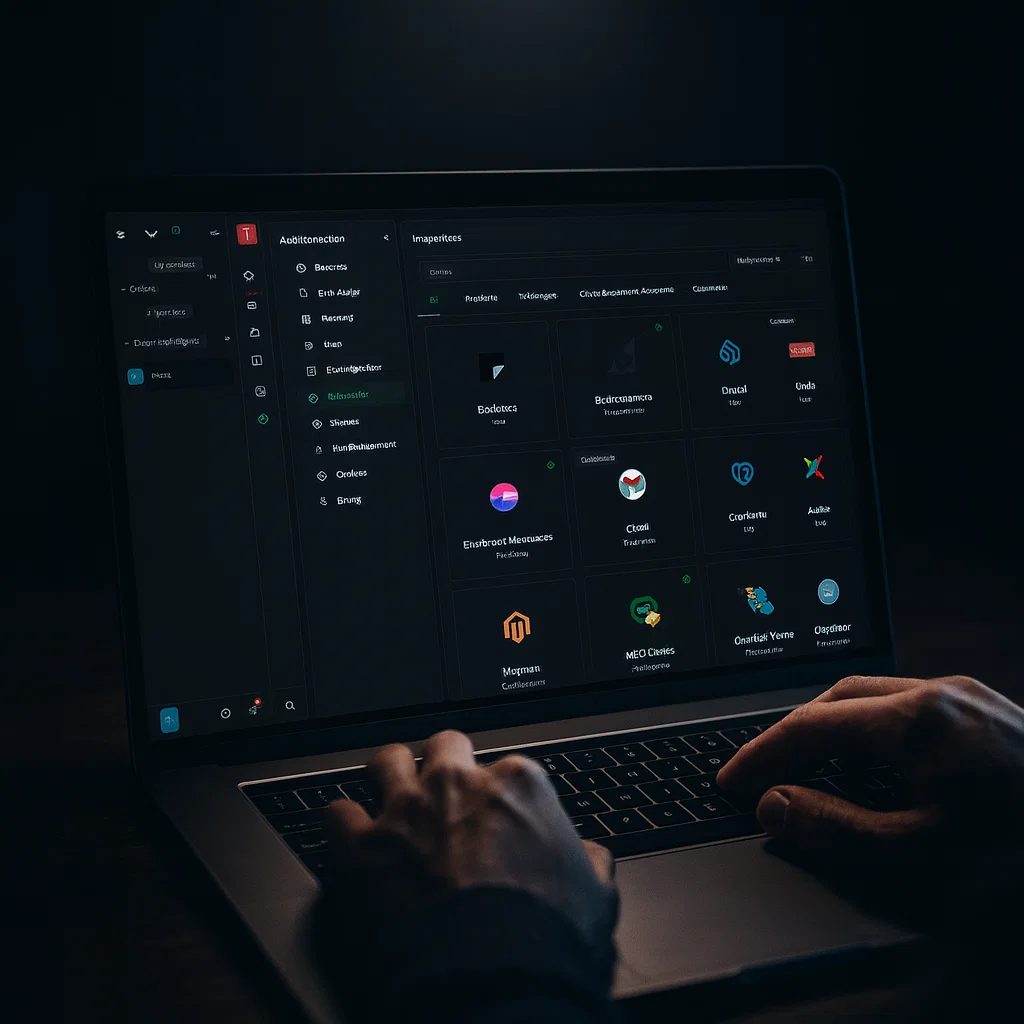
• A simple and predictable way to browse and locate integrations
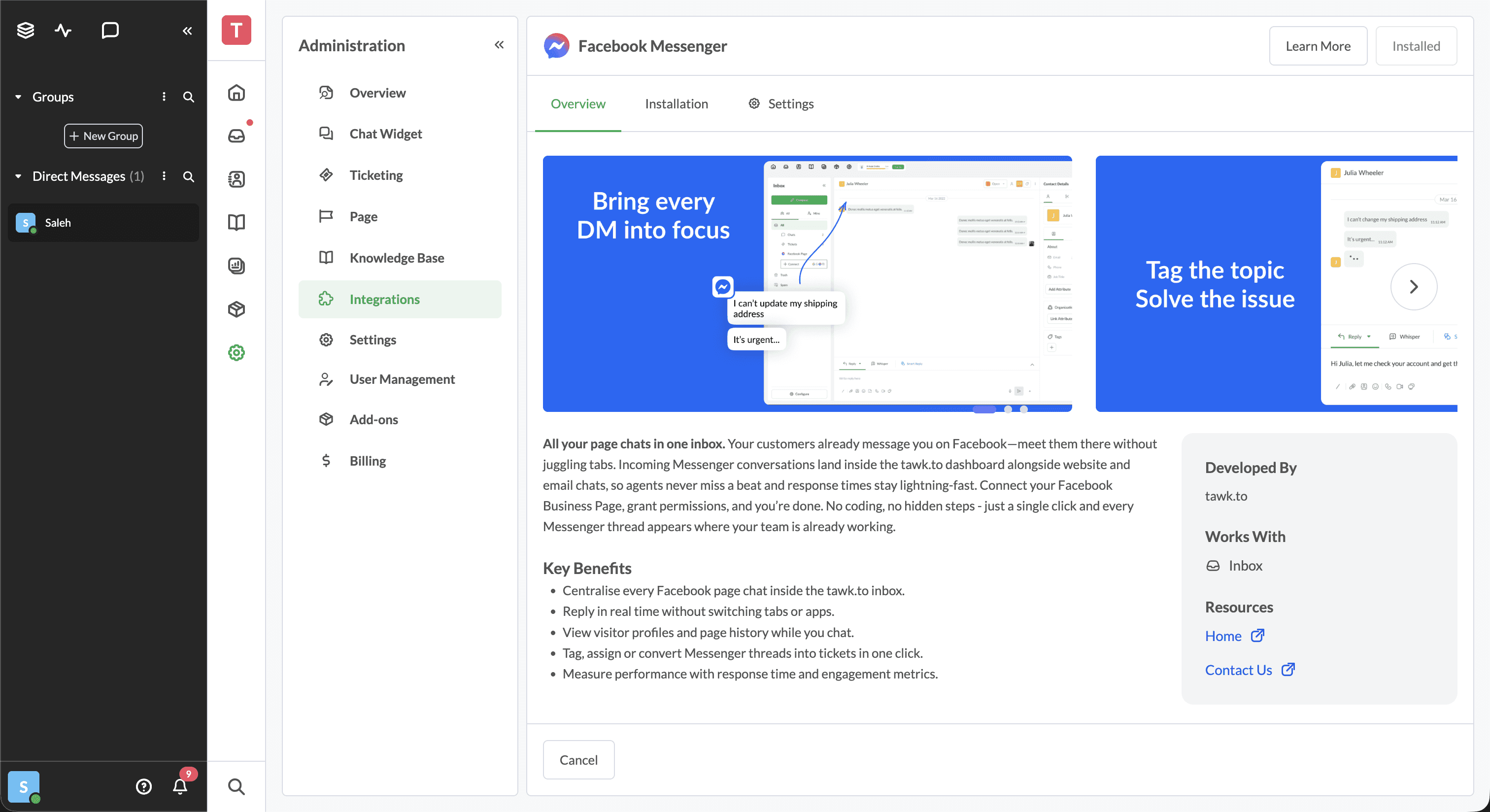
• Clear explanations of what each integration does
• Consistent layout and behavior across the entire Tawk.to ecosystem
• Search and filter tools that work effectively
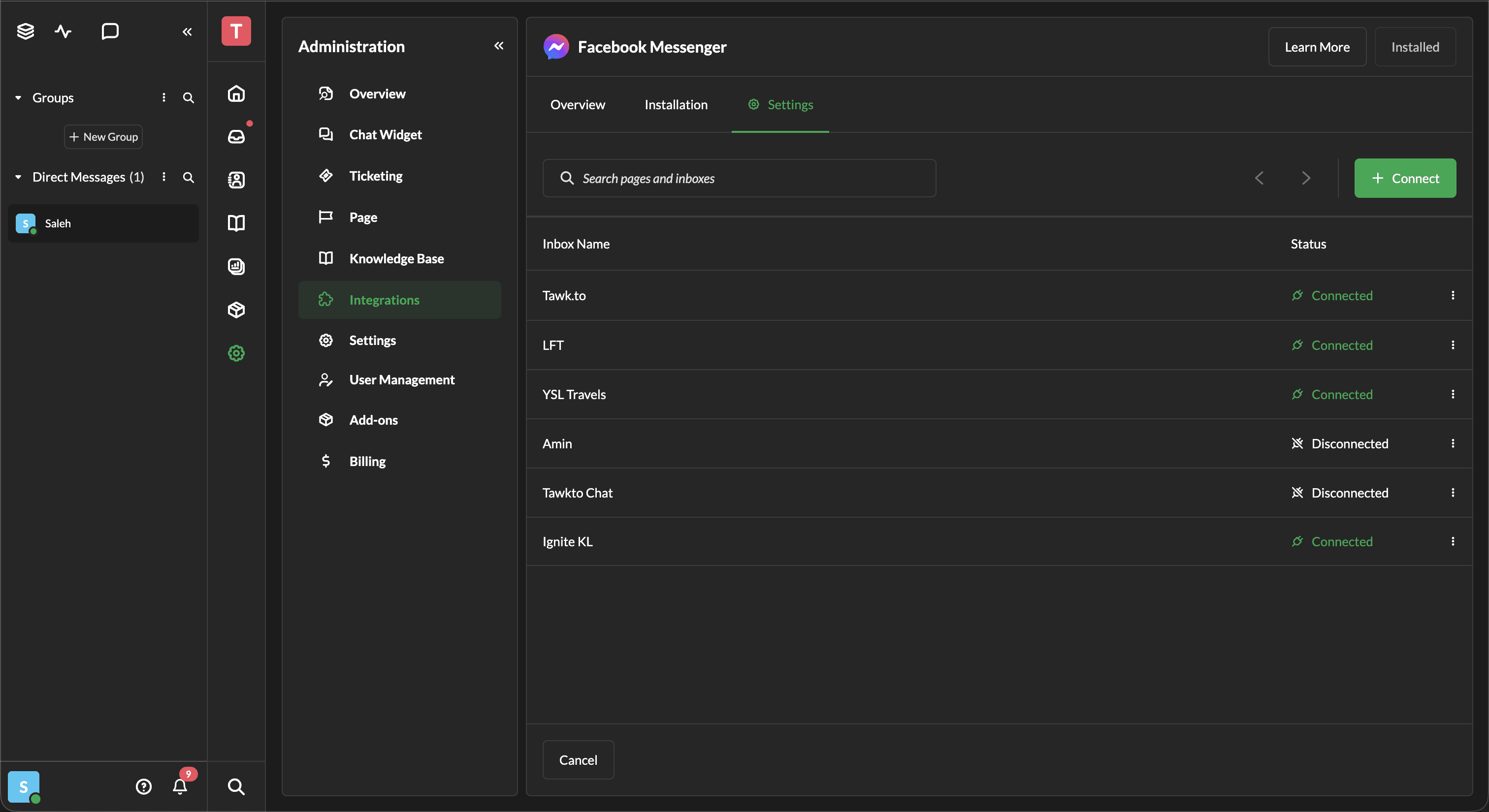
• Fast access to setup or manage each integration
• Visual clarity when scanning a large list of tools
• Inconsistent UI patterns across different pages
• Unclear category grouping causing confusion
• Difficult scanning because of weak visual hierarchy
• Search and filtering needed better alignment and behavior
• Integration cards lacked essential information at a glance
• Non-responsive or cluttered layouts on smaller screens
• Hard to understand how integrations connect with Inbox, Contacts, and Channels
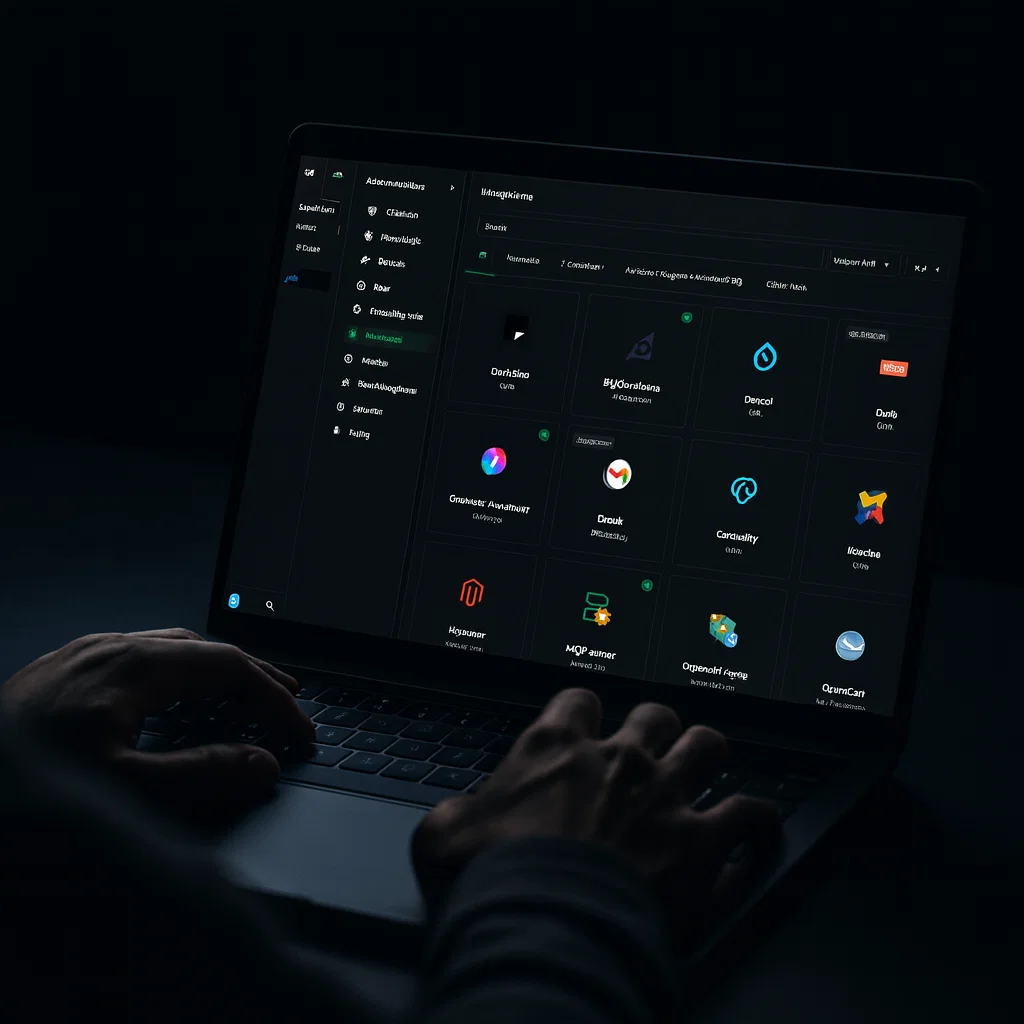
💡 Want to experience it yourself?
Head over to www.tawk.to and try the Enhancement for Integrations firsthand. Explore the filters, tags, and smart search to see how it makes finding and managing conversations effortless.
✨ Thank you for exploring this project!